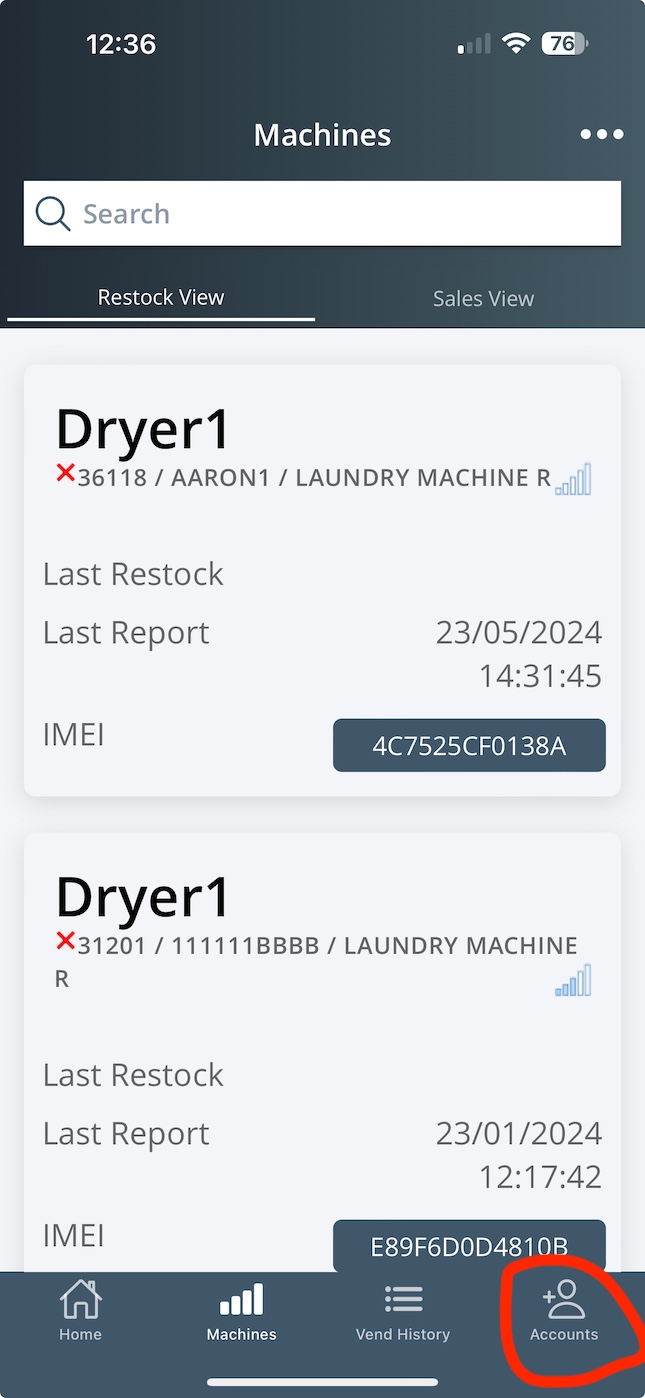

For All Circumtec users, now can link your VMMS account in CircumPay.
1: Download APP
If you don't have CircumPay, you can download it from Apple/Android APP shop.
Then register an account
2: Link VMMS account
After login, click Me->VMMS Accounts menu
Click Add VMMS Account button
Enter your VMMS username/password and click Add VMMS Account
Go back to home page, you will see a new Tab Vmms, click it.
**NOTES:
you can link multi VMMS accounts, you can switch Accounts by click "Account" button under VMMS home page.